Product photos and descriptions
What customers see on a product card versus in the detail view, and what to write for each.
Your storefront shows a product twice: as a card in the menu grid, and in a detail dialog when someone taps the photo. They want different writing.
| Where | What appears | Write for |
|---|---|---|
| Card | Photo, name, price, allergen chips, quantity control | Recognition. Someone scanning ten products. |
| Detail dialog | Full-bleed photo, name, full description, allergens in full | The person who is nearly convinced and wants one more detail. |
Allergens
Allergens show as a short "Contains" row on the card (capped at three with a "+N") and in full in the detail dialog. Filling these in answers the single most common customer message before it is sent.
Photos
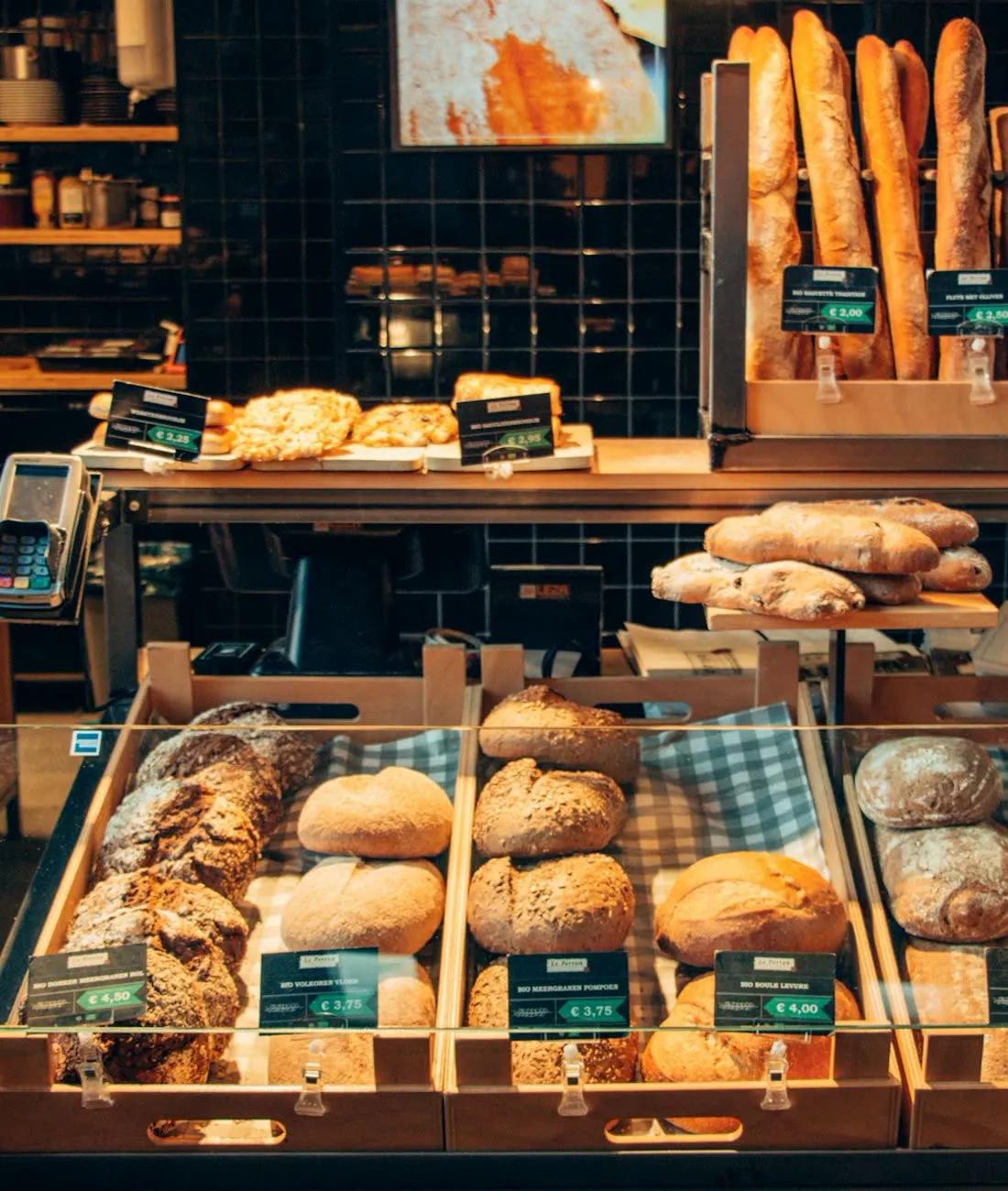
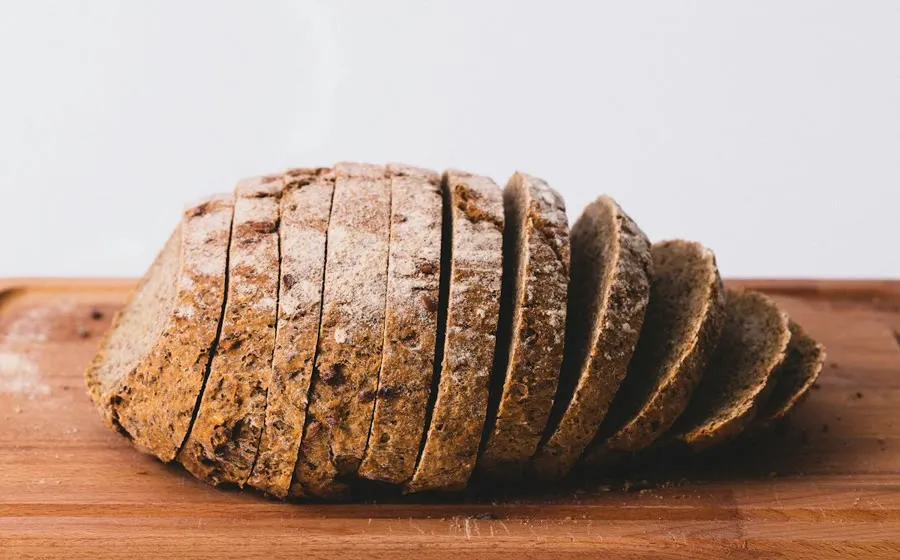
If a product has no photo when your site is generated, Bakeable will make one. It is a reasonable placeholder and a poor substitute. A phone photo of your actual bake, in daylight, beats it comfortably. Photos you upload later replace generated ones on the next publish.
Last updated
Still stuck?
Email us and a person will read it. Tell us your bakery name and what you were trying to do. It saves a round trip.